Electronic submission and paper archives: what matters in a hybrid PTO workflow

For a PTO engineer, it is pointless to argue about whether storing paper is “right” in the twenty-first century. The answer is determined by the contract, the operating organization’s established practice, and the acceptance process. What matters more is how to prevent the combination of digital files and stamped paper from becoming a permanent double conveyor belt: copies diverge, signatures arrive late, and people have to compare versions during review when there should already be one unified record. This article explains what matters in a hybrid workflow when submitting a document package: where electronic as-built documentation becomes the leading record, why paper may still serve as a “control copy,” and how to align electronic as-built documentation management with paper storage without missing deadlines. This is an informational article, not an argument that everything must be forced into one window regardless of the circumstances. Real projects more often operate through a mixed logic, where discipline matters more than the name on a folder.
Hybrid PTO workflows: what we are really talking about

When a client speaks to a contractor about a hybrid workflow, the usual language is “we have it in the system” and “we also keep a folder in parallel.” In PTO terms, it is useful to add one more criterion: what is considered the source of truth for the date and the fact itself, and what is a mandatory attachment to the package even if it exists on paper. A hybrid workflow is not “make a PDF and make a paper copy for appearances.” It is an agreed set of media in which every document has a clear status, a signature route, and a defined path by which a piece of information enters the submission package. Without these rules, the digital version becomes a fast copy, while paper becomes the scene of an investigation where a mark on an earlier sheet does not match yesterday’s file. It is also worth agreeing on what is acceptable as a draft in the electronic workflow and what must already carry an approved signature on paper. Otherwise, electronic as-built documentation will remain “for testing,” while the printed package becomes “the truth that is corrected too late.”
On site, a hybrid workflow often struggles not because of technology but because of approval speed. While an electronic package is waiting for a final upload, the printed version may move through the queue first, and the reverse can also happen. That is why internal PTO deadlines are best built around not “the digital package has been submitted,” but “the last mandatory medium in the chain has been approved.”
Electronic as-built documentation as a contractual requirement
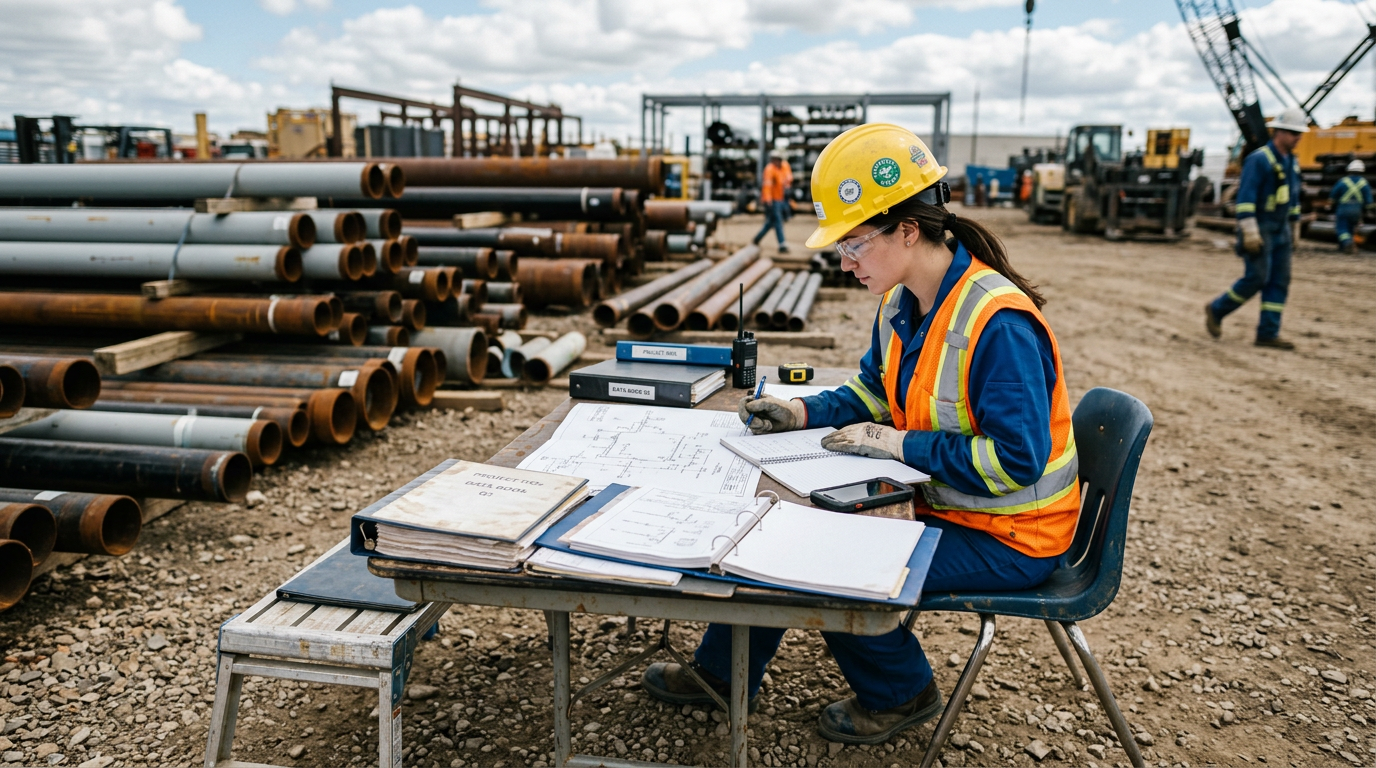
If the contract or acceptance procedure states that the package must be submitted electronically, electronic as-built documentation stops being an auxiliary copy. It becomes the record compared against the work actually performed and against the attachments included with it. This creates requirements for naming, integrity, availability, backup, access rights, and change history. Paper can still remain in two viable roles: either as a mandatory medium for parties without an external signing key, or as a duplicate that is explicitly marked as subordinate to the electronic version. When the printed package unexpectedly carries more authority than the digital one, the team has to document that switch, and electronic as-built documentation management acquires a manual “telegraph” of spreadsheets and notices. This does not scale well on a long project when the PTO department has not two people but eight, often working across different shifts. A submission plan should therefore define which format is primary for closing a project stage, who moves the deadline in the schedule, and how a discrepancy appears when the digital and printed versions diverge on a single item.
Electronic as-built documentation management: what must match
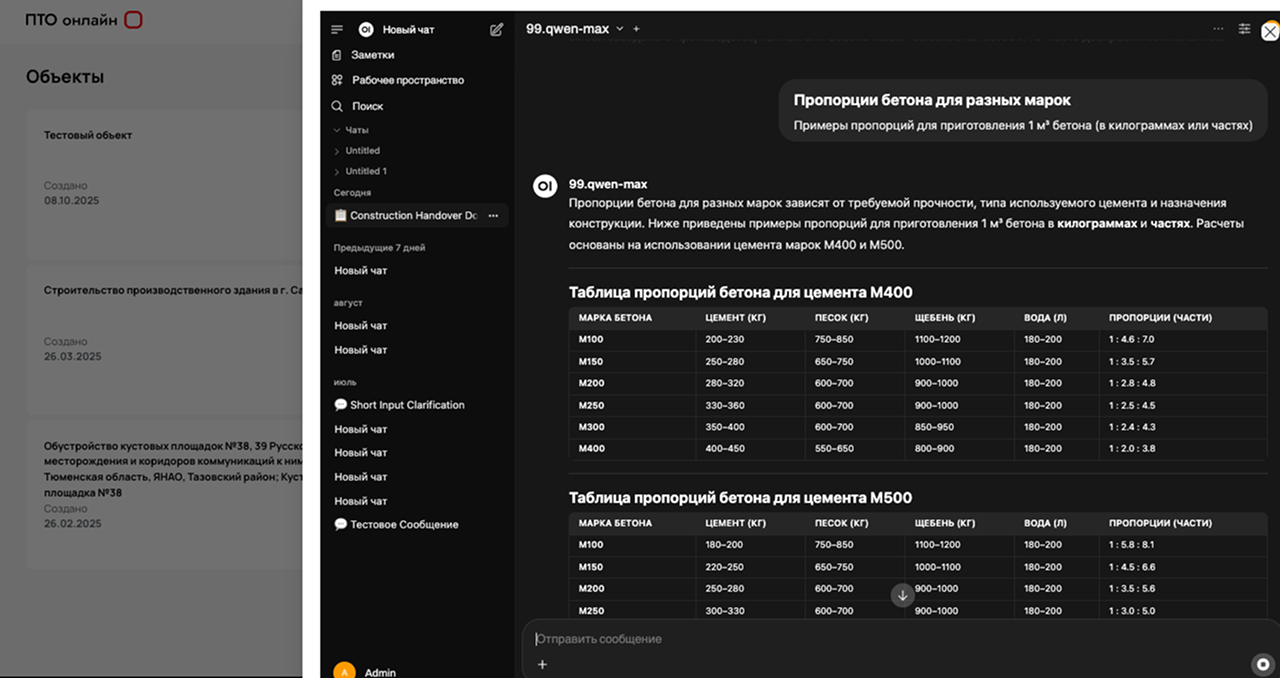
The issue is not whether everything is kept in one program. It is which fields and details must match across the different branches of a hybrid workflow. These usually include the work code, date, reference to the structural element, link to the related certificate, journal number, approval status, and grounds for cancellation or replacement. Electronic as-built documentation management makes sense when changing one basic parameter updates every dependent record in which that parameter appears. Otherwise, “we manage it electronically” simply becomes manual data entry, only faster than on paper. In practice, a minimal sequence is useful: record the item as the primary entry, obtain approval, then print or mark on paper the package that has been designated as complete in the electronic chain. When paper leads the process, the same sequence still has to be reflected digitally; otherwise, the archive is once again full of folders that only show the state of affairs “as of yesterday evening.”
When a specialized service such as PTO Online is used in the workflow, its benefit is usually not the visual quality of a printed form. The real benefit is that project entities and package statuses remain aligned for all participants, reducing the risk that the printed package submitted for acceptance turns out to be a neighboring version rather than the current one.
Paper archives and the media still requested by the client
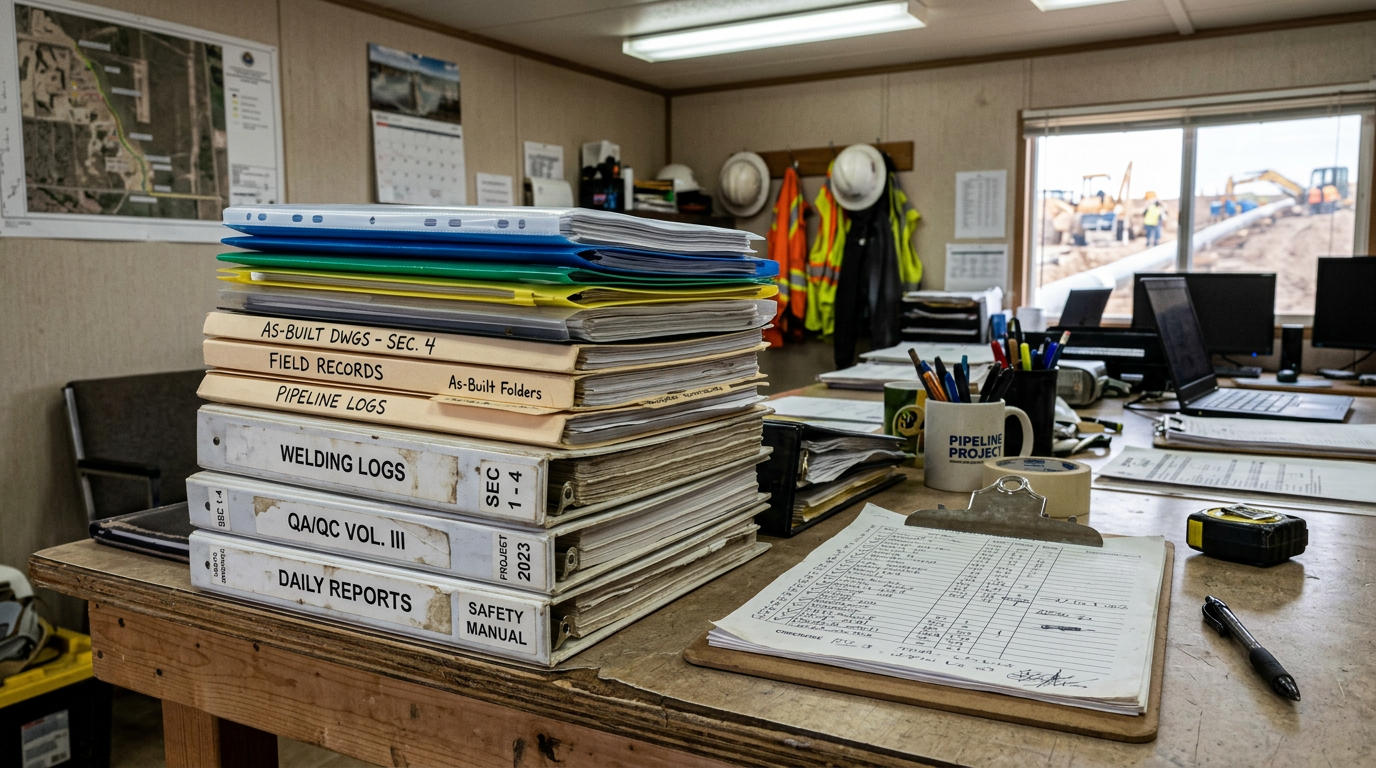
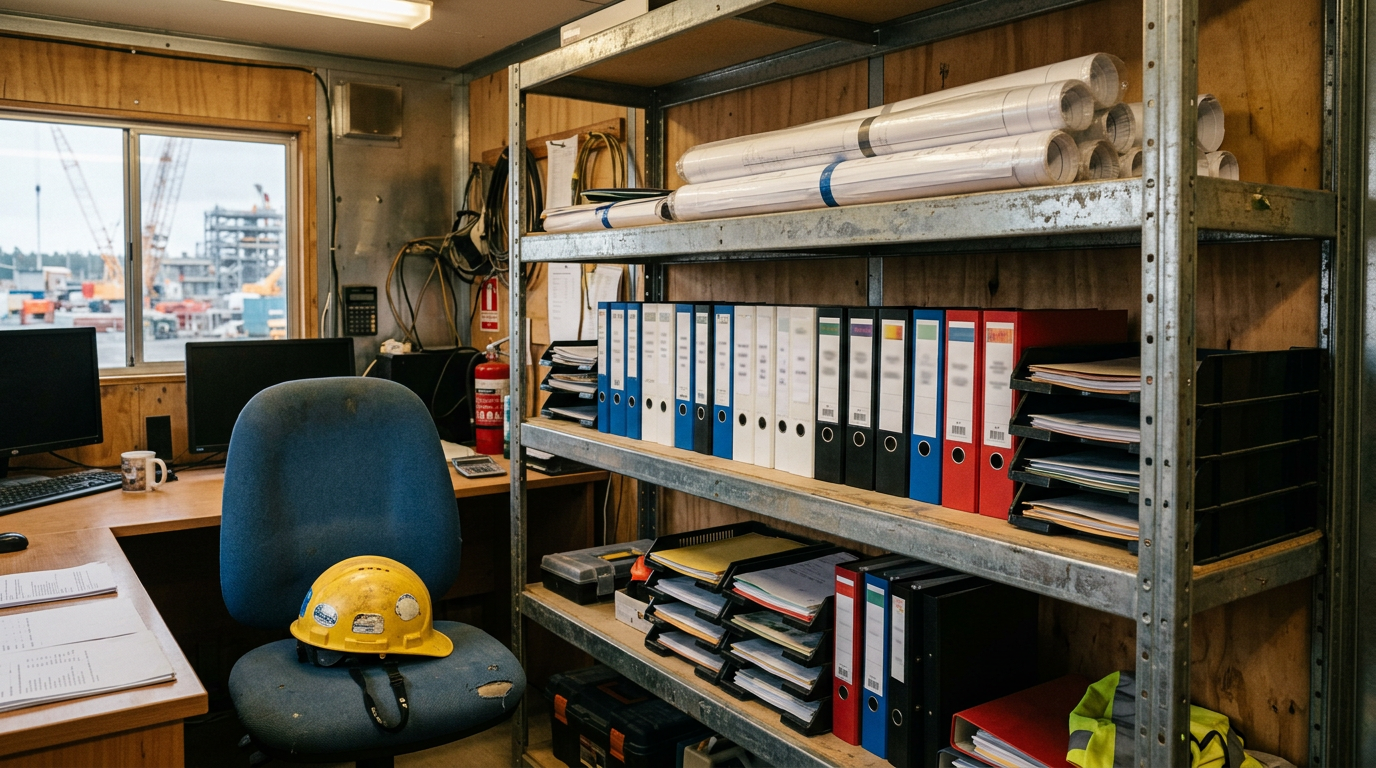
In a hybrid workflow, a paper archive does not have to be “the layer that is always wrong.” It can remain the carrier of signatures, seals, attachments, certificates that arrive in printed form from outside parties, and stamps that the digital workflow in your particular process cannot treat as equivalent. The PTO team’s task is to agree which items will always remain on paper and how the electronic workflow records the fact that the printed package has been included, checked, and does not conflict with the digital record. A coordinated register often helps: a list of volumes, a list of electronic packages, control hashes, a discrepancy log, and a rule that the printed version is not submitted for acceptance until the electronic component has an agreed status. This removes the endless question, “Is this the latest stamp in a file we cannot see?” It is especially important when there are several signatories but only one reviewer.
Electronic as-built documentation in construction and the hard reality of the site
On site, electronic as-built documentation in construction runs into factors that are invisible from the office: dust, rain, poor connectivity, shift work, and external contractors who submit a paper certificate while the digital version is still “on its way” to the cloud. What matters here is not rhetoric but procedure: what must be entered in the field, what counts as a site capture that may be finalized later, and what blocks the next stage if the previous one has not been closed. In a hybrid workflow, this is often handled through agreed deadlines: by one date, the electronic package with the required details; by another, the paper package with additional attachments; and reconciliation within a defined time frame. When deadlines are replaced by a culture of “we will clean it up later,” the paper flow outruns the digital one, leaving the electronic workflow with an inconvenient but indispensable copy of the situation “as of yesterday.”
Electronic as-built documentation management in construction: the hybrid workflow procedure
It makes sense to document five points in writing, even if the contract does not explain them down to the button level:
The complete list of media and the owner of the master data.
The criterion for “approved/not approved” in both the electronic and paper branches.
The deadline after which the printed version may no longer lag behind the digital one.
What happens when there is a discrepancy: priority, notification route, and corrective actions.
Who in the PTO team confirms that the package is ready and who confirms that its content has been checked.
In this sense, electronic as-built documentation management in construction is an agreement on the process, not simply on a file format. Without the fifth point, it is easy to end up with a printed package and an electronic ZIP in which one date does not match: both parties may be acting honestly, but the submission is still stalled.
When a pilot project moves a team to a new workflow, comparison with the previous disorder matters more than a polished presentation. Services such as PTO Online pay off when a practical project framework has been created within them and the paper hybrid workflow is treated as an external contour rather than a second, hidden accounting system.
The risks of doing both without rules of priority
The main risk is an unstated priority. In that case, the loudest participant wins an argument, while the package retains an internal fracture that will surface during an external review. The second risk is a “print copy” with fields that differ from the electronic version because an old macro was left in the template. The third is that the paper package has already left the office while the digital version has not caught up, and the discrepancy is corrected manually as deadlines keep slipping away. These risks are addressed by exactly the measures described at the beginning: a fixed owner of the master data, a clear stop point for “approved/not approved,” agreed deadlines checked as part of package acceptance, and the rejection of paper “parallel universes” that do not state which version the internal register recognizes.
Conclusion
A hybrid workflow is a normal reality when the team honestly recognizes which version leads, which details must match, how the paper tail is incorporated into the submission, and who in the PTO department is responsible for consistency by the time of approval. Electronic as-built documentation and a printed package coexist successfully when they are supported by a procedure rather than by the will of whoever happened to reach the printer first. Electronic management on a project succeeds when the digital version is not merely a copy “for later,” but the record from which the paper step is logically produced whenever it is required. If your team is ready to define that workflow, the next question is simply choosing a tool that does not fall apart into folders and spreadsheets halfway to submission.
Materials on working within a unified project workflow are available at pto-app.ru. Compare them with the way your printed and digital trails currently come together by the submission date.
Talk to us about PTO document workflow
Leave your name and phone number. We will call you back and suggest a suitable format for the discussion.