Recurring errors and corrections in as-built documentation: how to avoid conflicting document versions
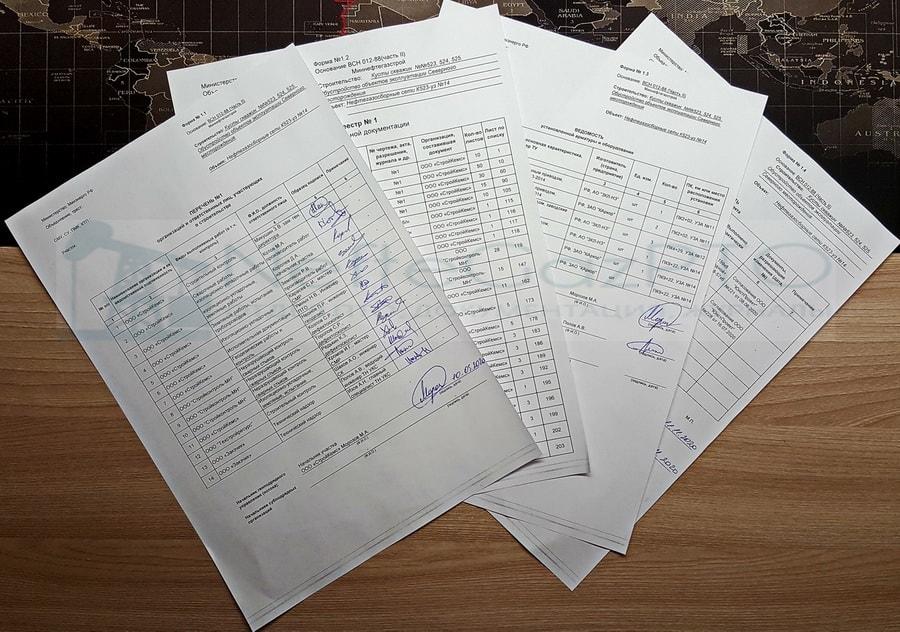
On a construction site, errors in as-built documentation are not an exception; they are part of the working process. Design changes, quantity clarifications and material substitutions during the works all require amendments to certificates and logs that have already been prepared. The problem, however, is not the error itself but the way corrections are made. When one engineer edits an Excel file on their laptop, another crosses something out by hand in a printed log, and a third sends a new version of a certificate through a messenger app, conflicting copies begin to appear on site. As a result, when the documentation package is submitted to the client, discrepancies are found and the entire package is returned for revision. This article explains how to establish a change-control procedure that prevents duplicate data and the loss of change history.
Why corrections in as-built documentation turn into chaos

When the volume of documentation grows, manual version control stops working. The main cause of chaos is the absence of a single source of truth. If a certificate of inspection for concealed works exists as a file on a server, a printout in a folder and a draft in email, every correction must be made simultaneously in all three places. In practice, that rarely happens.
Under schedule pressure, a PTO engineer corrects only the version needed "here and now" to close out the quantities. The remaining copies retain outdated data. Then, when it is time to compile the final register, it becomes clear that the dates in the certificates do not match the entries in the General Work Log, while the quantities differ from the estimate.
Why conflicting copies appear on a construction site
Conflicting copies appear wherever the process allows several documents to be treated as equally authoritative. Typical situations include:
- Parallel work. The contractor and general contractor maintain their own versions of registers and exchange them once a week. Dozens of minor corrections are made in the meantime.
- No statuses. A document is called "Certificate_final_2.docx", but no one knows whether it has been approved by construction supervision.
- A disconnect between the site and the office. The site foreman records completed work in a notebook or local log, while the PTO department in the office prepares certificates from design data without knowing about actual deviations.
- Backdated corrections. When an error is discovered a month later, it is not enough to correct one certificate; the entire chain of related documents has to be reviewed.
Change-control procedures: when to issue a correction and when to prepare an addendum
To stop versions from multiplying, a company needs a clear procedure. The first rule is to define what requires a full replacement of a document and what should be issued as an addendum or corrective certificate.
If the error is technical, such as a typo in a date or an incorrect certificate number, an amended version of the document may be issued while retaining the original number but clearly marking the revision. If the physical quantities of work or the materials used have changed after the certificate was signed, it is more appropriate to issue a corrective document or a new addendum that refers to the base certificate. This keeps the documentation legally sound and makes the history of changes traceable during an audit.
Consistent file-version naming rules
Silent assumptions in document headers are the main enemy of order. When files are named randomly, finding the current version becomes impossible. The procedure must strictly define the file-name pattern.
For example: [Project code]_[Document type]_[Number]_[Date]_[Version].
Every correction should result in a version increment (v1, v2, v3). Previous versions should not be deleted; they should be moved to an archive folder. This is a basic housekeeping rule that works even with ordinary network drives, although it requires iron discipline from every engineer.
The certificate-log-register-KSM chain: how to prevent inconsistencies
The most painful point when making corrections is the desynchronisation of related documents. A certificate of inspection for concealed works does not exist in a vacuum. It relies on entries in the General Work Log, refers to certificates in the incoming inspection log and serves as the basis for including quantities in the register and the KS-2 form.
If you correct the concrete quantity in a certificate but forget to amend the corresponding line in the General Work Log, a construction-control inspector will identify the inconsistency during review. To avoid this, the change process must be cascading: any correction to a primary document must trigger a review of all dependent forms. Manually, this requires checklists; in a digital environment, it is handled through automatic links.
Typical reasons clients return documentation because of duplicate data
A client or construction supervisor rarely returns documents because of a single typo. Returns occur when a typo breaks the logic of the entire documentation package.
A typical scenario is this: the contractor submits an as-built documentation package in which the register shows one certificate date, the certificate itself shows another, and the work log records that date as a weekend. This is a direct consequence of making a correction in a hurry and in only one copy. Another scenario is duplicate certificates for the same work with different quantities, when an old version accidentally ends up in the final folder instead of the new one. Every such return means lost days for rebuilding the package and creates a risk of delayed payment.
Correction log: the minimum set of attributes for control
For complex, long-term projects, keeping a correction log or version register is good practice. It can be a simple table that accompanies the documentation package.
The minimum set of attributes for such a log includes:
- Document identifier (number, code).
- Description of the change (what it was / what it became).
- Reason for the change (reference to an instruction, client letter or designer's supervision).
- Initiator and date of the amendment.
This approach removes most questions from reviewers because they can see a transparent history explaining why the document changed and have no reason to suspect the contractor of manipulating data.
A digital approach to version management without losing history
Maintaining perfect order manually is possible only on small projects. When certificates number in the thousands, discipline inevitably breaks down. This is where automation and specialised platforms help.
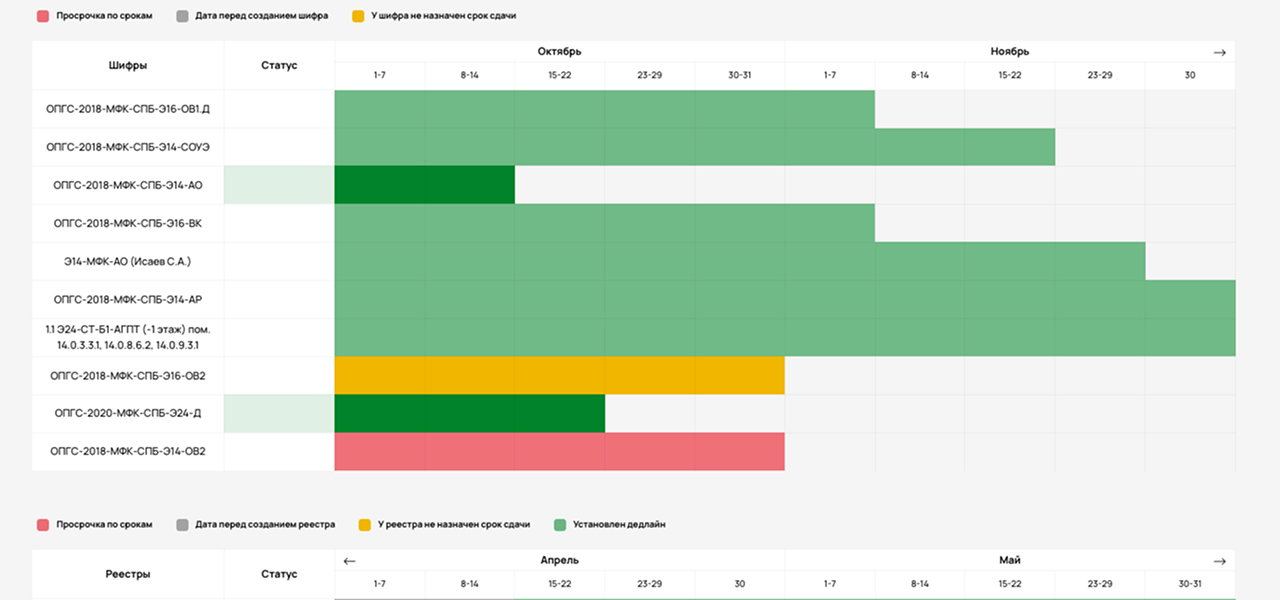
In a digital environment, the problem of conflicting copies is solved by design. A document exists in a single instance in the database. When an engineer amends a certificate, the system automatically updates linked registers and highlights the need for corrections in logs. Every action is logged: who changed what and when.
Such services are built around precisely this approach. A status model does not allow a draft to be sent into active work, while the change history retains every previous revision. This turns the correction process from chaotic firefighting into a controlled, transparent procedure in which every construction participant sees the current picture in real time.
Bring order to your as-built documentation
Learn how PTO Online helps you manage document versions, track statuses and prevent discrepancies in your data.