Manage projects centrally
Service · PTO Online
As-built documentation software for construction
Work with as-built documentation in one place: from entering project data to completed documents.
PTO Online is software in which as-built documentation is created from work data, without manually completing every file.
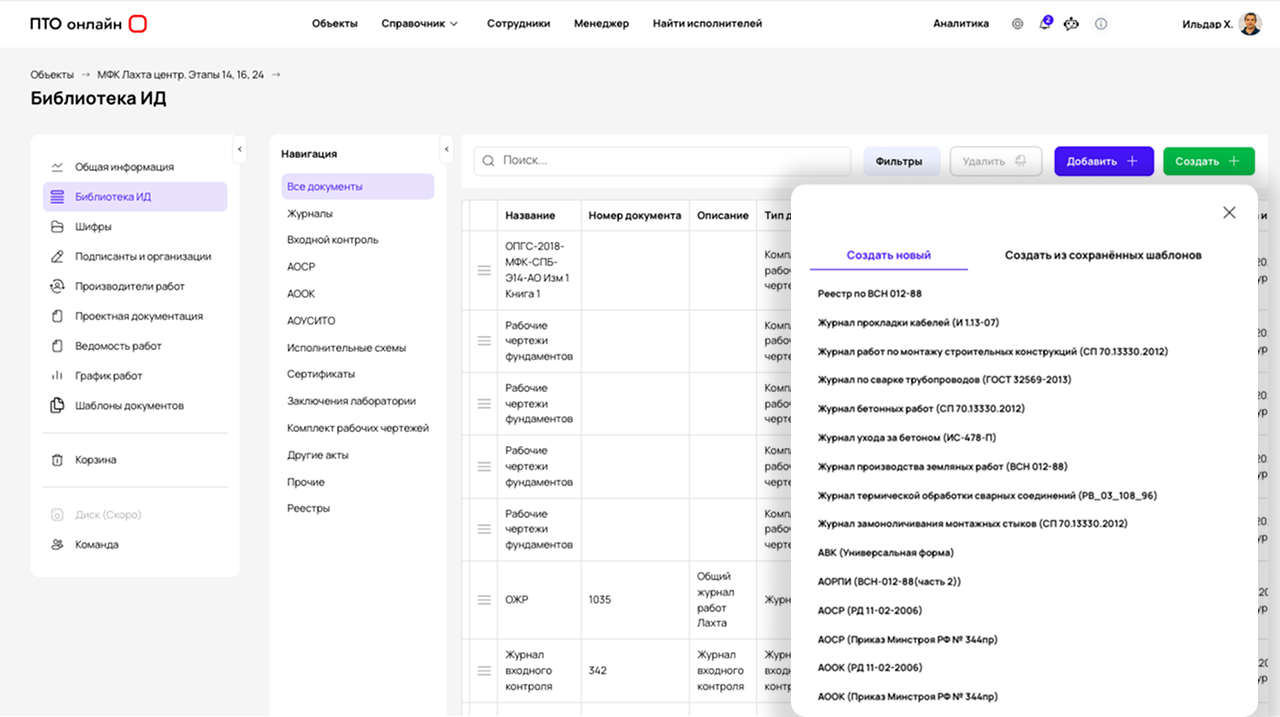
- From data to documents — without manually copying information between individual files
- All certificates and work logs rely on the same information
- Changes to data are carried through to related documents
- One up-to-date version of the project documentation set
Problem
Where time is lost when preparing as-built documentation
The main workload in preparing as-built documentation is not the documents themselves, but the constant work with data.
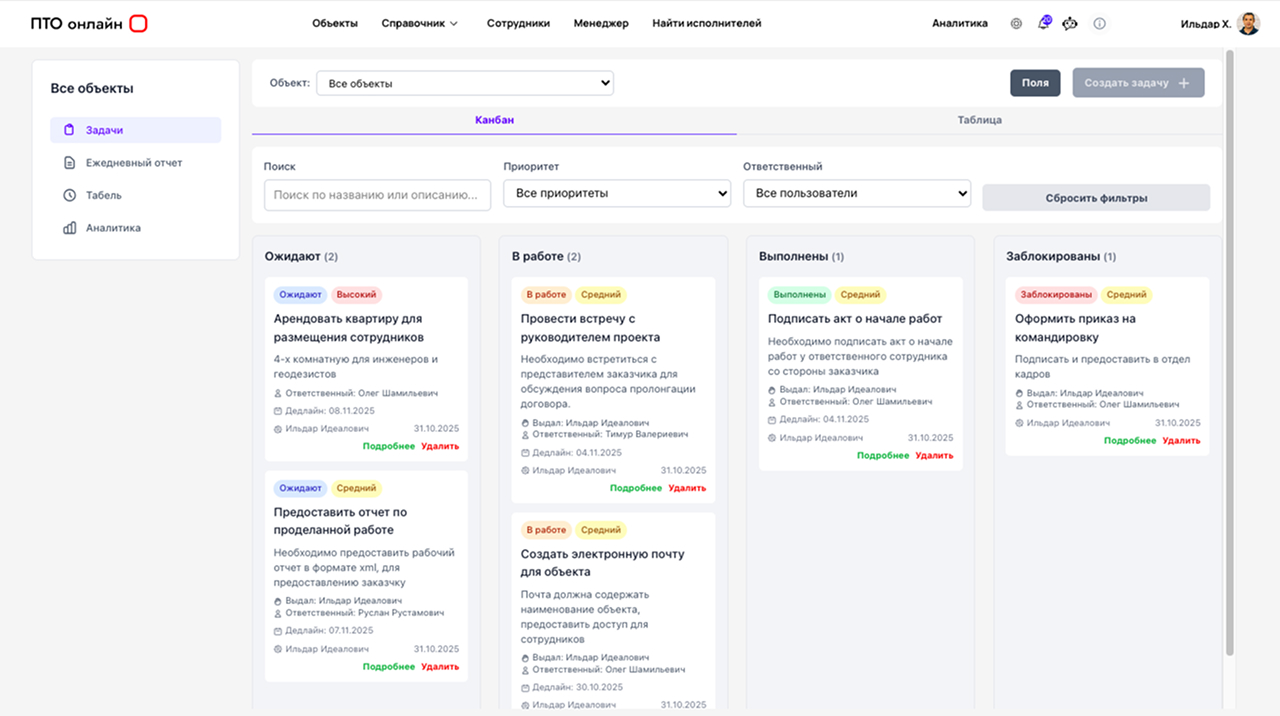
A PTO Engineer Has To:
- transfer the same data between documents
- verify that quantities match across different certificates and logs
- prepare every file manually
- search for the current versions of documents
Even when Excel or file folders are used, the process remains fragmented and requires continuous oversight.
As-built documentation software without Excel
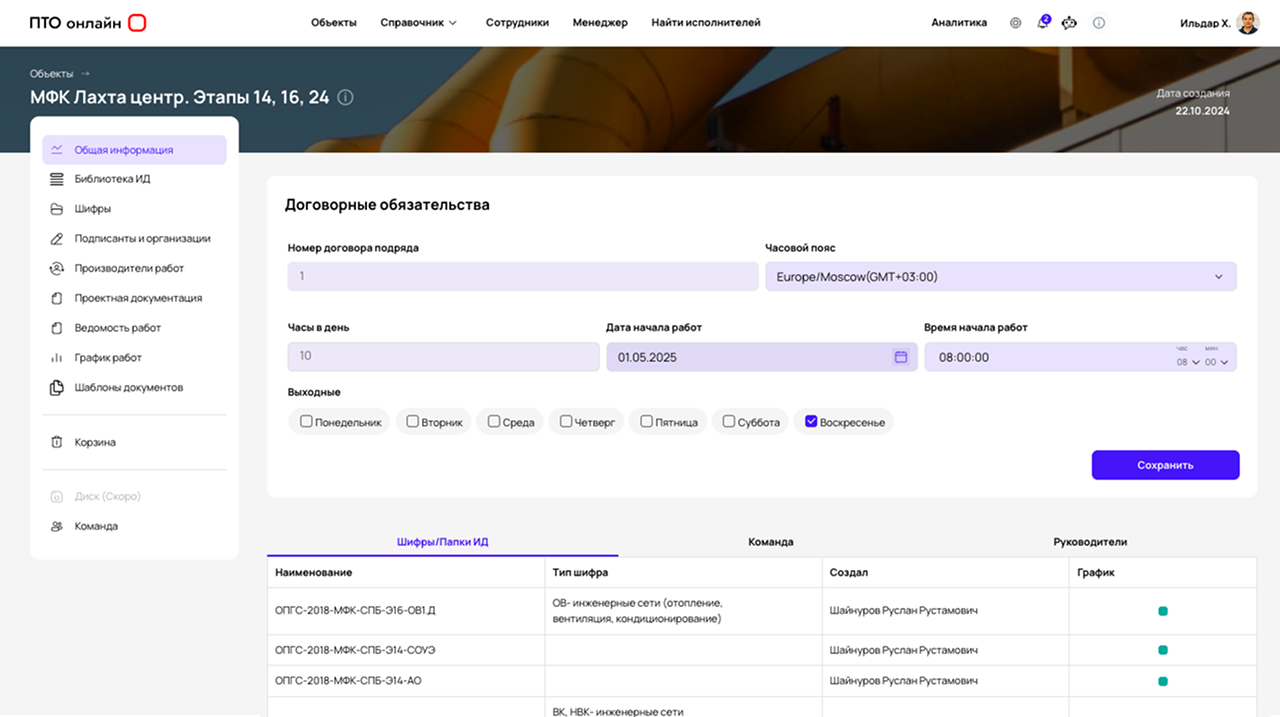
In PTO Online, work is organised around the project structure and work data rather than individual files.
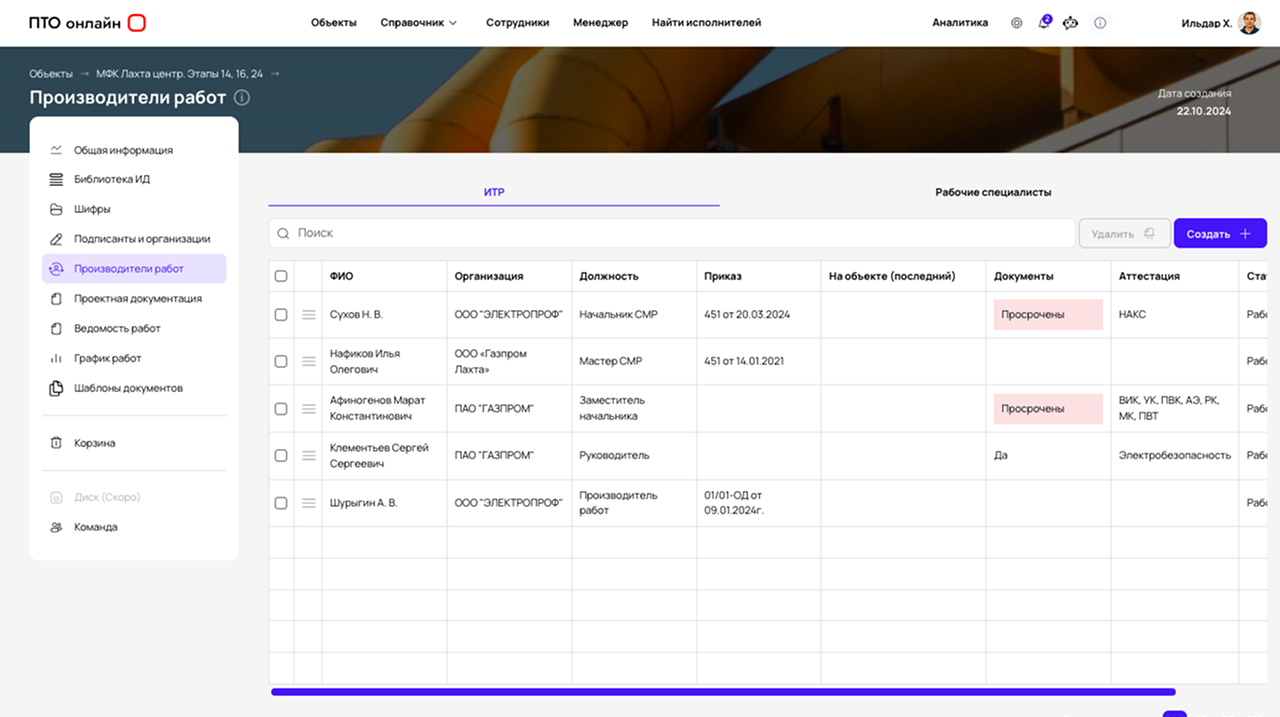
You work with: the project, sections, work quantities and templates. Using this data, the software generates as-built documentation, uses the same information in every document and automatically populates entered source data.
This eliminates manual duplication and reduces the number of errors.
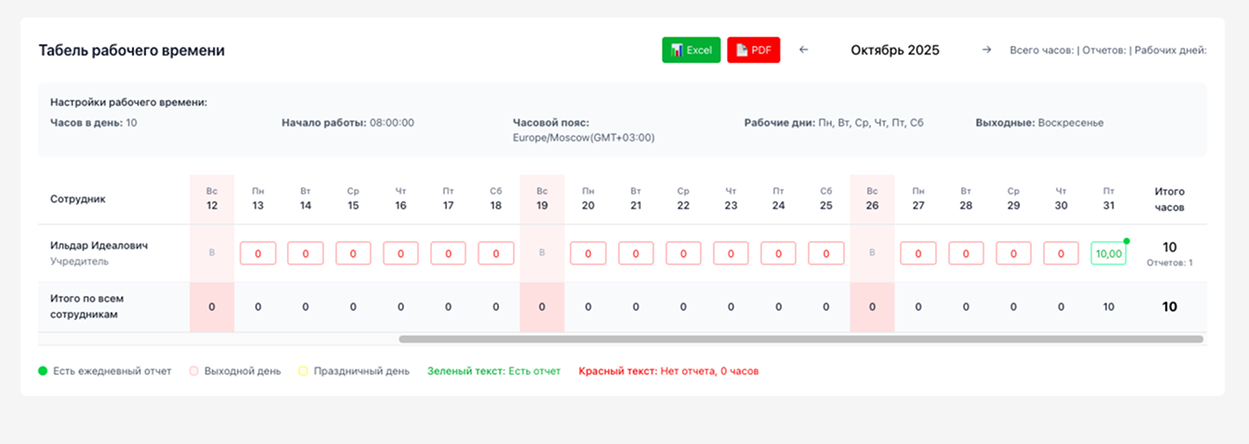
Store scans and drawings in a clear hierarchy
Separate processes by stages and document codes
Monitor the overall completeness of folders before submitting them for technical supervision
How It Works
How as-built documentation software automates PTO work
Engineers no longer need to compile every certificate manually. Work becomes a sequential process: you enter actual data once, and the system produces the final set of documents.
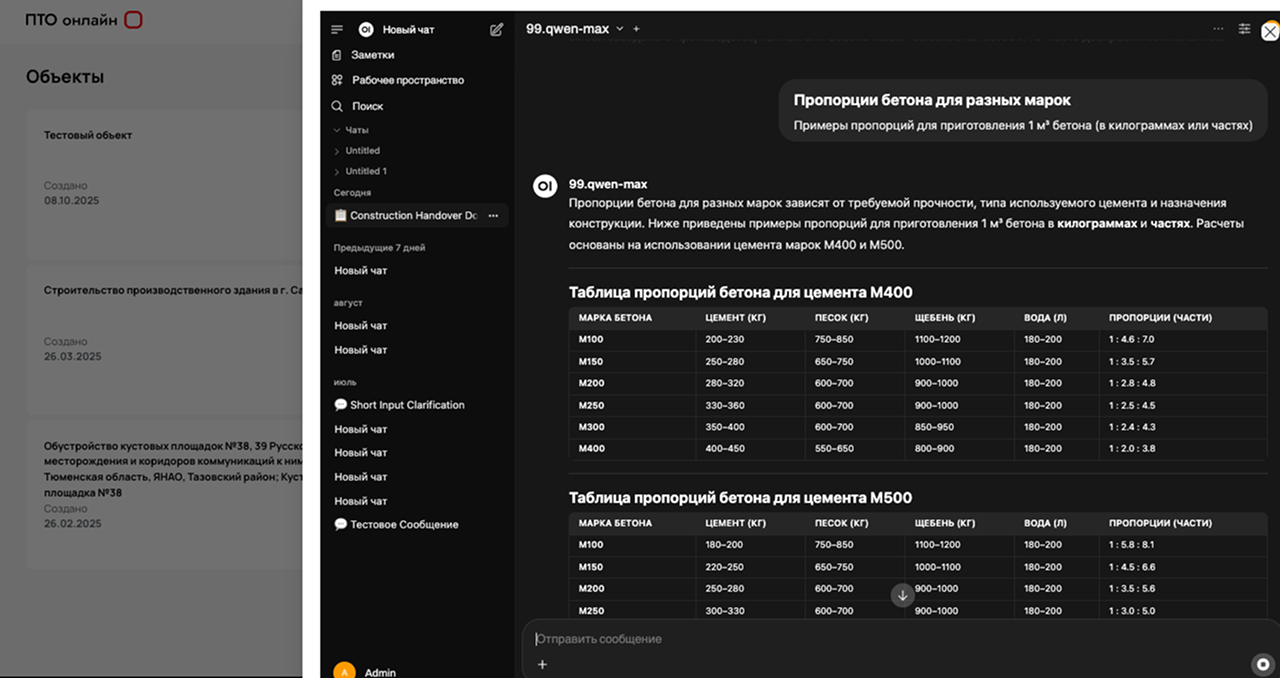
A single project data register
- Enter data on work quantities and types of work
- Record incoming inspection information, including passports and certificates
- Avoid confusion between file versions through one-time data entry
Automatic completion of certificates and logs
- The software uses entered data to generate completed documents
- Integrate information from construction work logs
- Automatically transfer document details and signatories
Data synchronisation across all forms
- Changes are automatically reflected in all related documents
- Eliminate typos and duplicated information
- Eliminate the risk of discrepancies when submitting documents for construction supervision
How It Is Organised
How as-built documentation is created in the software
4 Steps: From Project Structure to a Completed Set
-
1
A project and work structure are created
-
2
Quantities and stage data are entered
-
3
The software generates documents using this data
-
4
The documentation is ready for review
Documents are not created separately: they are generated from information that has already been entered.
Comparison
Why Excel and folders cannot replace documentation software
The same process can be organised in different ways: with scattered files or in one integrated software solution.
Excel and Files
PTO Online
-
data is duplicateddata is reused
-
documents are not linkedone unified structure
-
copying errorsautomatic completion
-
different versionsone current version
Audience
Who the software is for
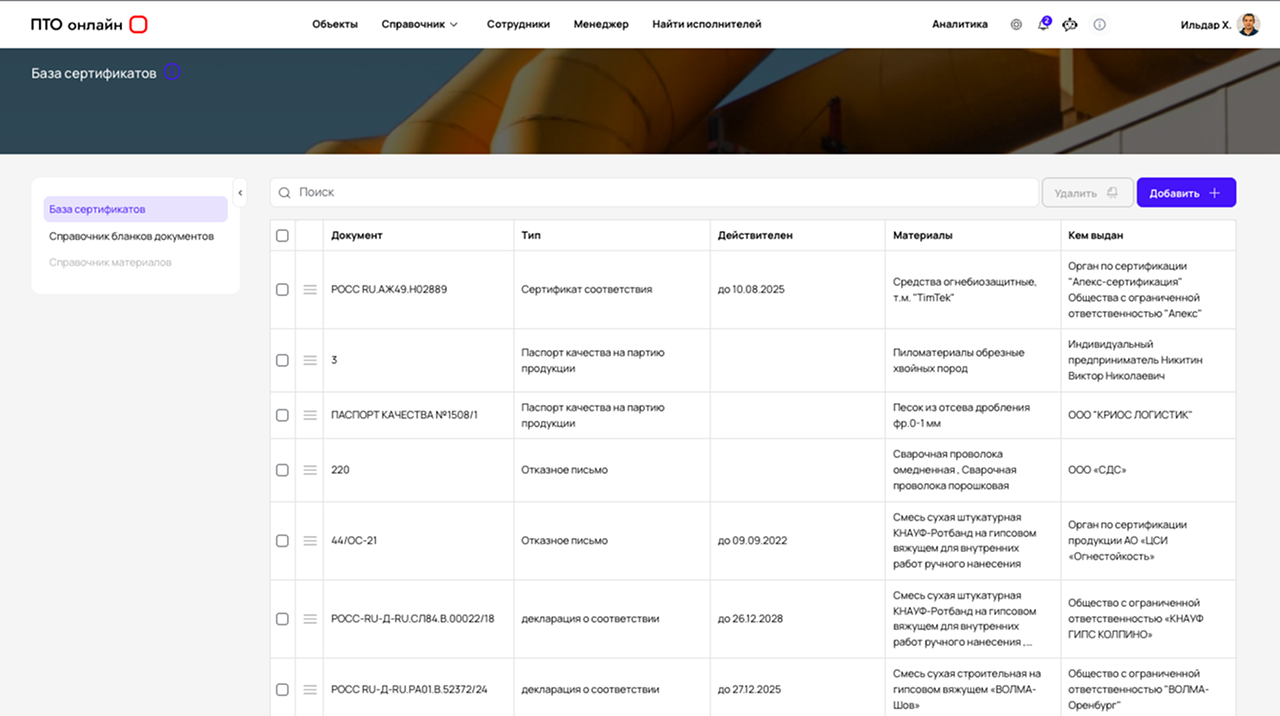
- PTO engineers working with as-built documentation
- specialists who prepare certificates and logs
- construction companies with several projects
- contracting organisations
Result
What changes in your work
- documents are prepared faster
- the volume of manual work is reduced
- discrepancies between documents are eliminated
- one unified data structure is created
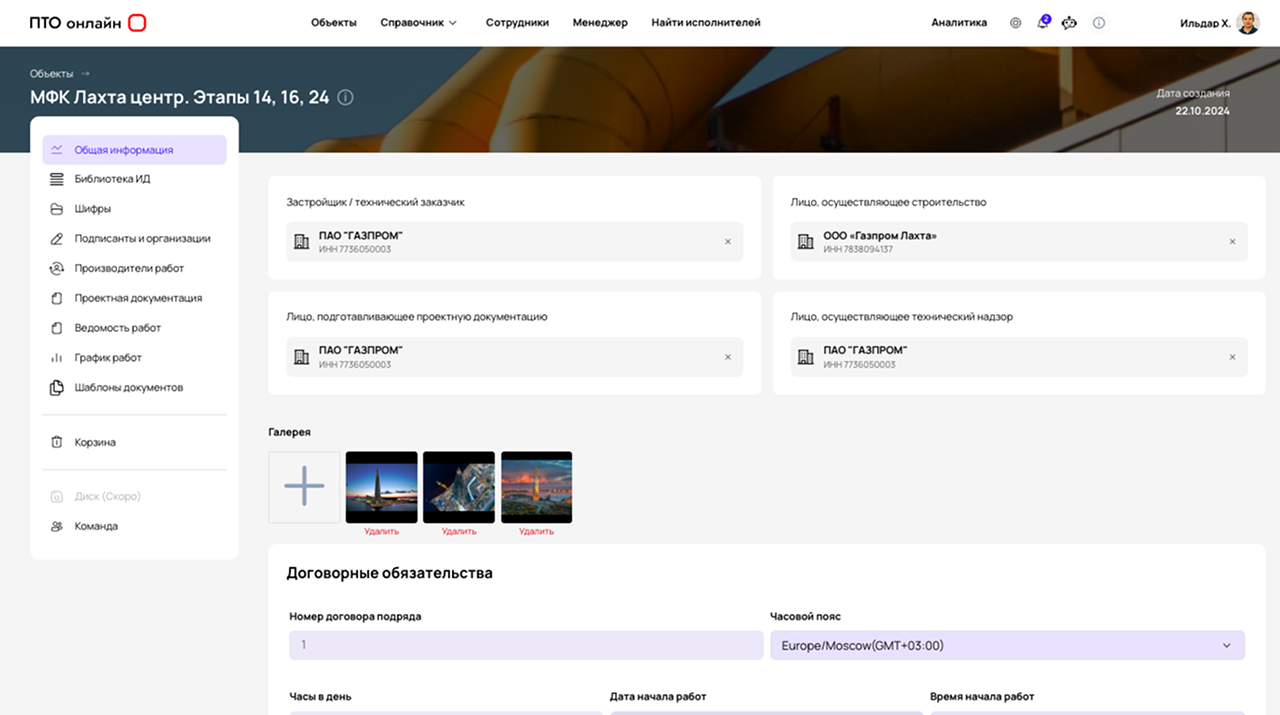
See how as-built documentation is created
We will show you how PTO Online generates documents from project data.