Electronic Document Workflow · PTO Online

Electronic document workflow in construction for technical documentation teams, contractors, and managers

Sign, send, and track the status of construction documents in one PTO Online system.

  • Sign documents in just a few clicks
  • Documents and statuses in one system
  • Send documents to recipients without manual forwarding
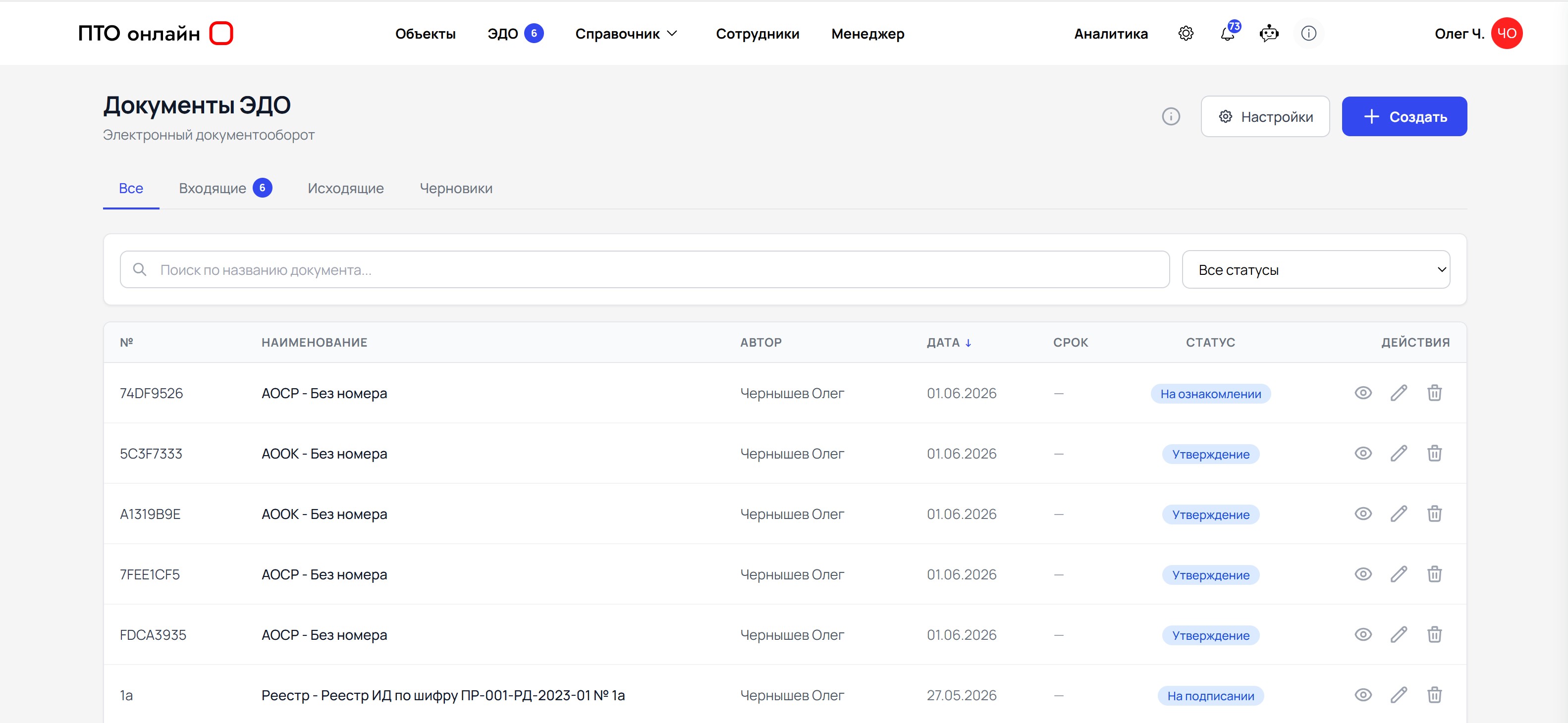
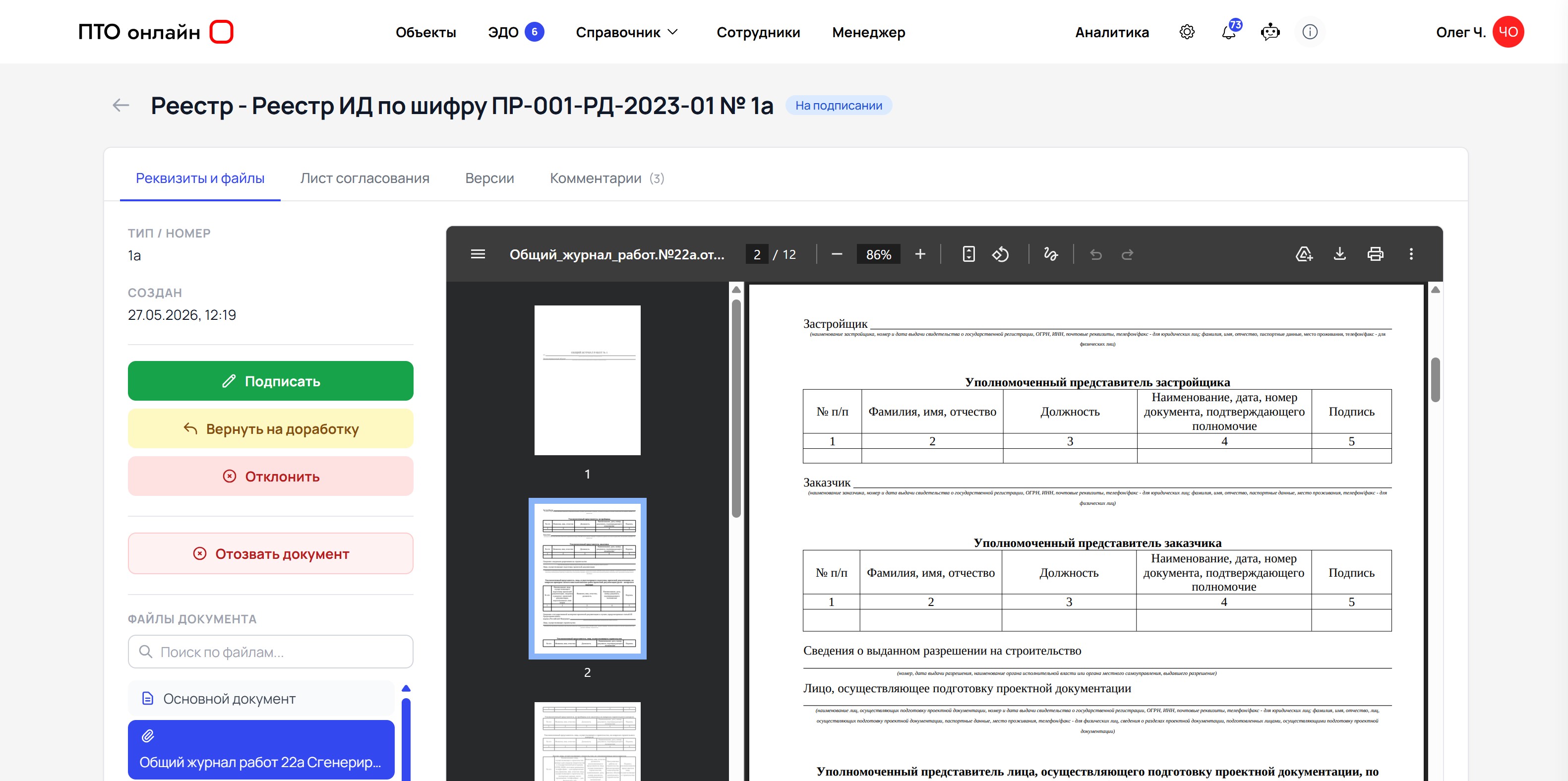
PTO Online electronic document workflow interface
2x Faster Approvals and signing take less time because everything happens in one system.
One Workflow Creation, signing, sending, and status tracking take place in PTO Online without manually forwarding files.
  • Sign Documents 2x Faster There is no need to download a document, email it, and collect signatures across multiple windows.
  • Sign Directly in PTO Online Documents are signed within the service, where their history and current status are also stored.
  • Suitable for Day-to-Day Technical Documentation Documents that are normally passed around for manual signatures in a paper-based process can be signed electronically.
  • Send in Just a Few Clicks After signing, the document is sent to the recipient immediately, without unnecessary actions or the risk of losing the current version.

Why Electronic Document Workflow Is Needed

Electronic Document Workflow for Construction Documents Without File Forwarding

What usually slows down document signing is not the signature itself, but the route to it: the file must be downloaded, sent to another service, forwarded to the right person, awaited, uploaded again, and checked to ensure that the current version has not been lost. These are the steps that cost the team time every day.

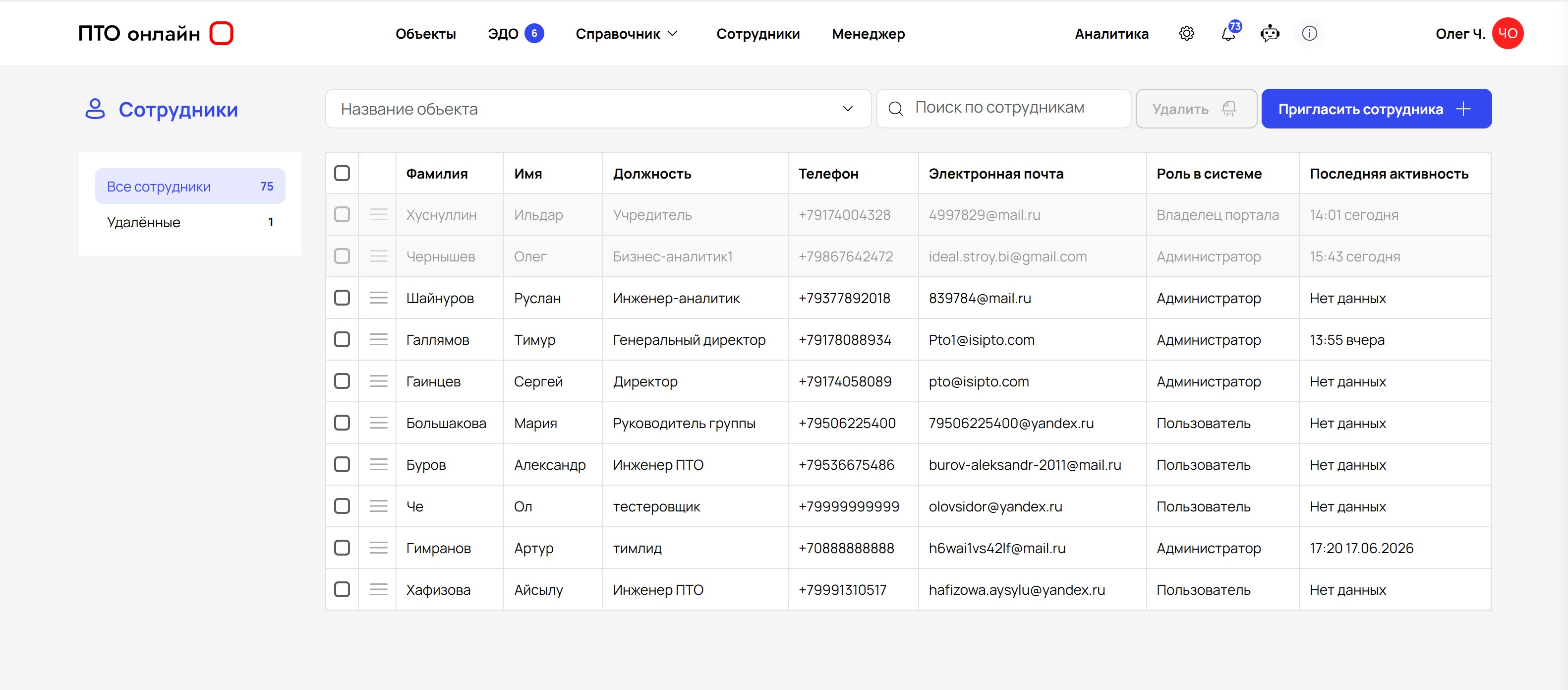
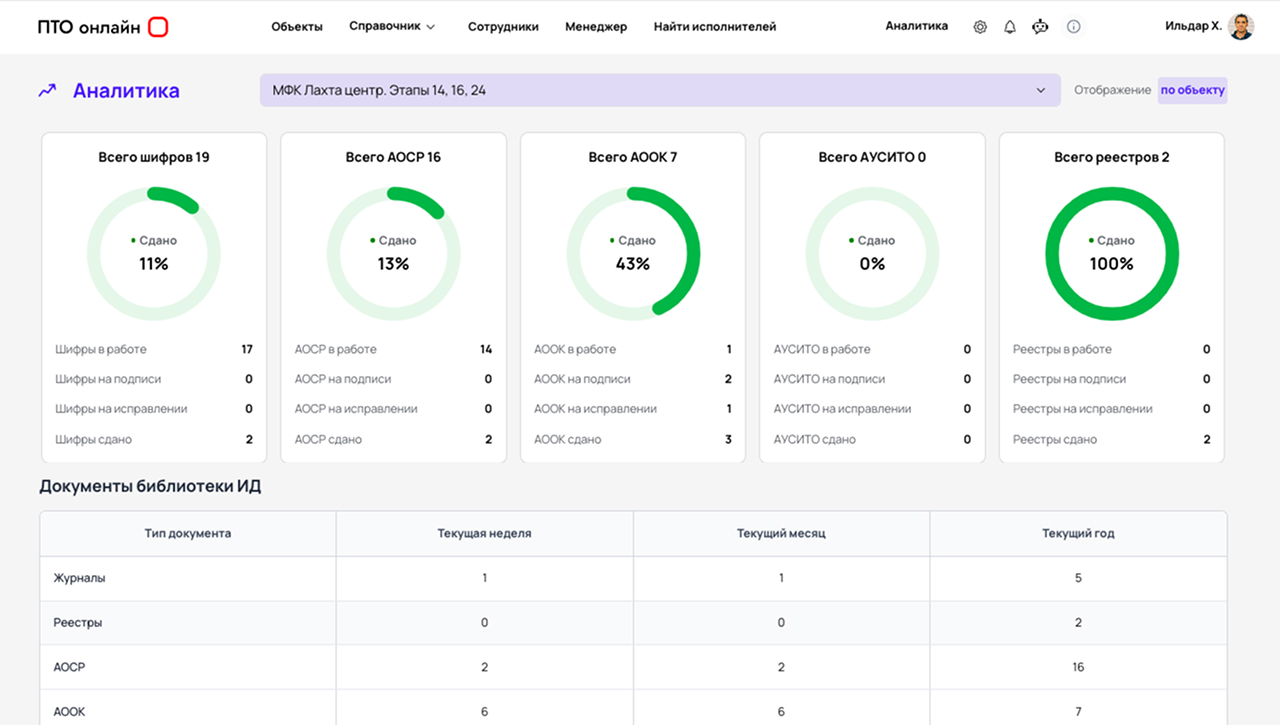
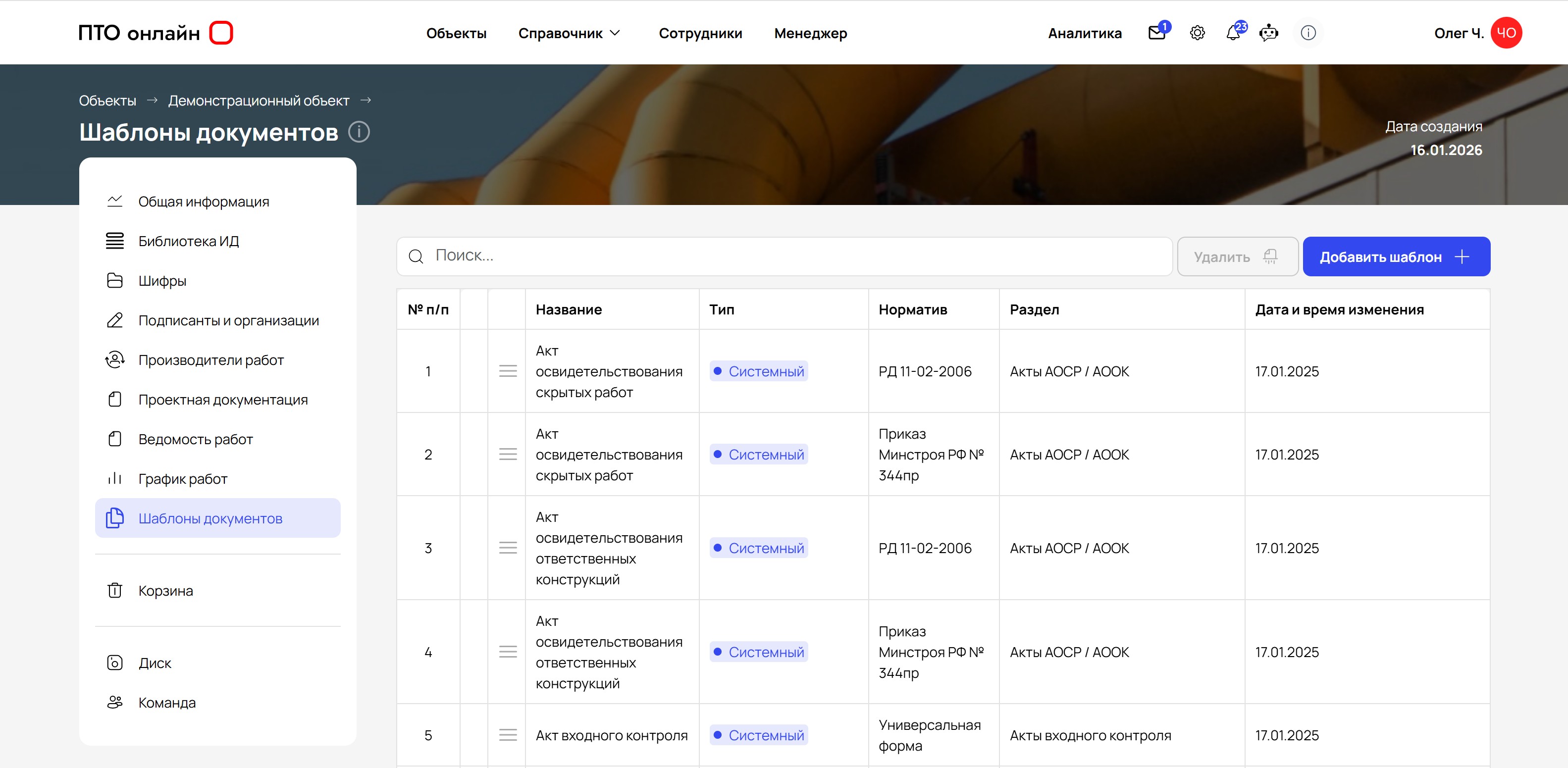
In PTO Online, electronic document workflow operates in the same workspace where certificates, logs, registers, and the as-built documentation package are created. There is no need to download a document and manually pass it along a chain: you can sign it in the service, send it to the recipient immediately, and see the current stage of the approval process.
Comparison

Why Electronic Document Workflow on the Platform Is More Convenient Than External Services

The same document can be taken through a long chain of downloads and forwards, or completed within a single platform in just a few steps.

Disconnected Services PTO Online
  • You need to download and forward the file manually
    Signing and sending happen within one system
  • Statuses have to be gathered from email and chats
    You can see what has been signed, sent, and is awaiting approval
  • It is easy to lose the final version of a document
    Only one current version remains in use
  • Approval is delayed by unnecessary steps
    Documents are signed faster within PTO Online

Process

How Document Signing Works

Instead of a long chain of downloading, forwarding, and uploading again, a document completes its entire route within one system.

4 Steps: From Document to Recipient

  1. 1

    The document is created in the project card with data already filled in.

  2. 2

    The document is signed directly in PTO Online, without switching to another service.

  3. 3

    Once signed, the document is immediately sent to the required participant in the process.

  4. 4

    The team can see the signing and sending status in one window.

The full document history is stored in one system: no manual file forwarding and no loss of the current version.

What Electronic Document Workflow Gives a Construction Company

Electronic document workflow is built into the technical documentation processes, so signing documents does not become a separate task and does not require unnecessary switching between tools.

In One Working Environment

Document Signing, Sending, and Statuses in One Window

You do not need to download a document, send it to a separate service, and then bring it back. In PTO Online, signing is linked to the project and its documentation, so the team completes the entire process faster and with fewer errors.

Screenshot of the electronic document workflow interface in PTO Online

Sign Documents Without Switching Between Services

Documents are signed directly in PTO Online and sent to the recipient immediately, without unnecessary downloads or forwards.

  • signing within the service
  • instant sending
  • no unnecessary steps

Prepare Documents for Signing Without Unnecessary Manual Work

Details, project data, and the required documents are already collected in the system, so preparation takes less time.

  • consistent project data
  • fewer errors
  • faster approval

Track the Status, Version, and Movement of Each Document

The team can see what has already been signed, what has been sent, and which version of the document remains current.

  • one unified status
  • one current version
  • a clear document route

Who Electronic Document Workflow in Construction Is For

PTO Online is suitable for companies that need to sign, send, and track documents in one system without unnecessary switching between tools.

  • Contractors and subcontractors
  • Project managers
  • Company executives
PTO Online employees

Launch Electronic Document Workflow in Construction Without a Complex Implementation

We will show you how PTO Online helps you sign documents, control documentation completeness, and manage technical documentation processes in one system.